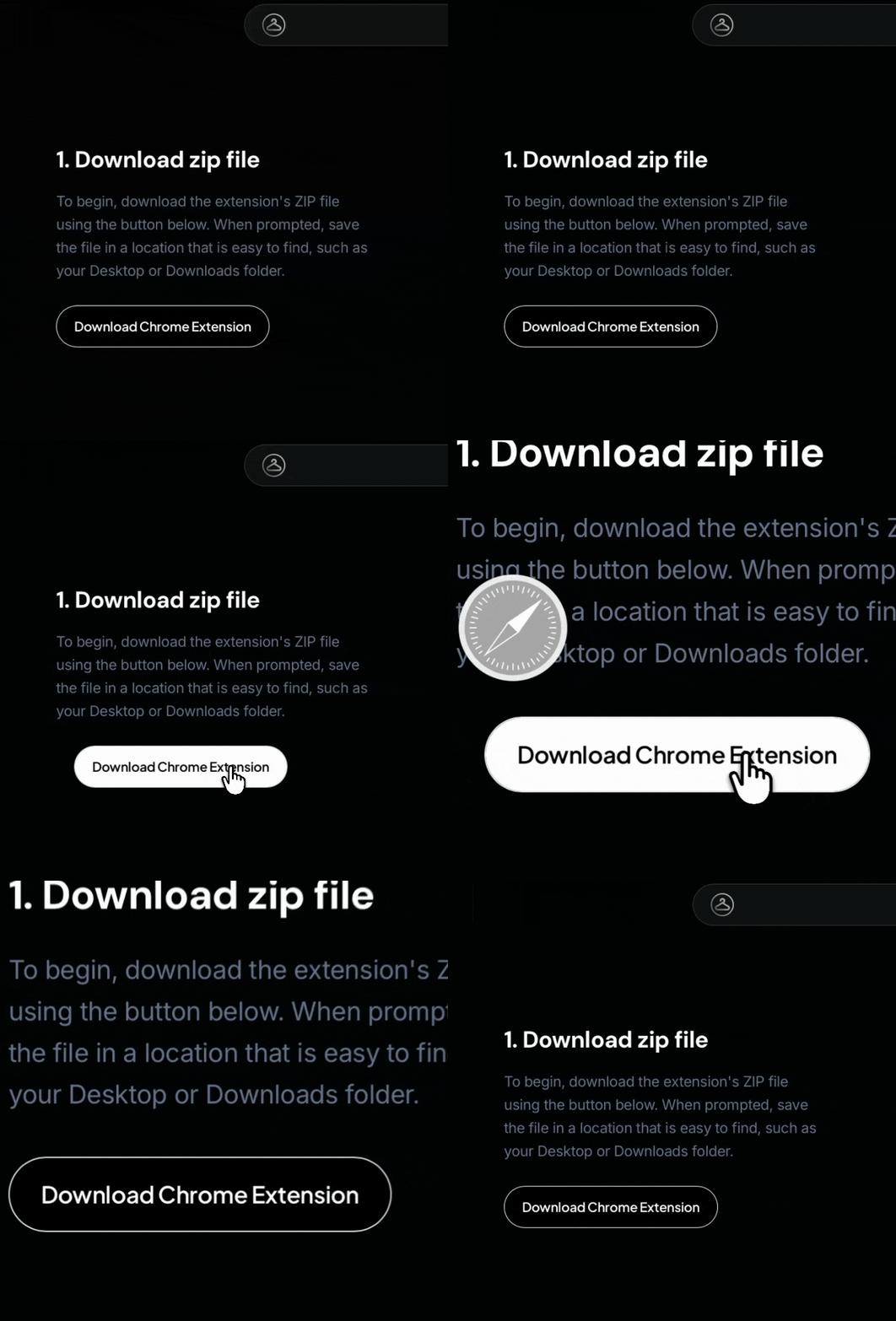
1. Download zip file
To begin, download the extension's ZIP file. When prompted, save the file in a location that is easy to find, such as your Desktop or Downloads folder.
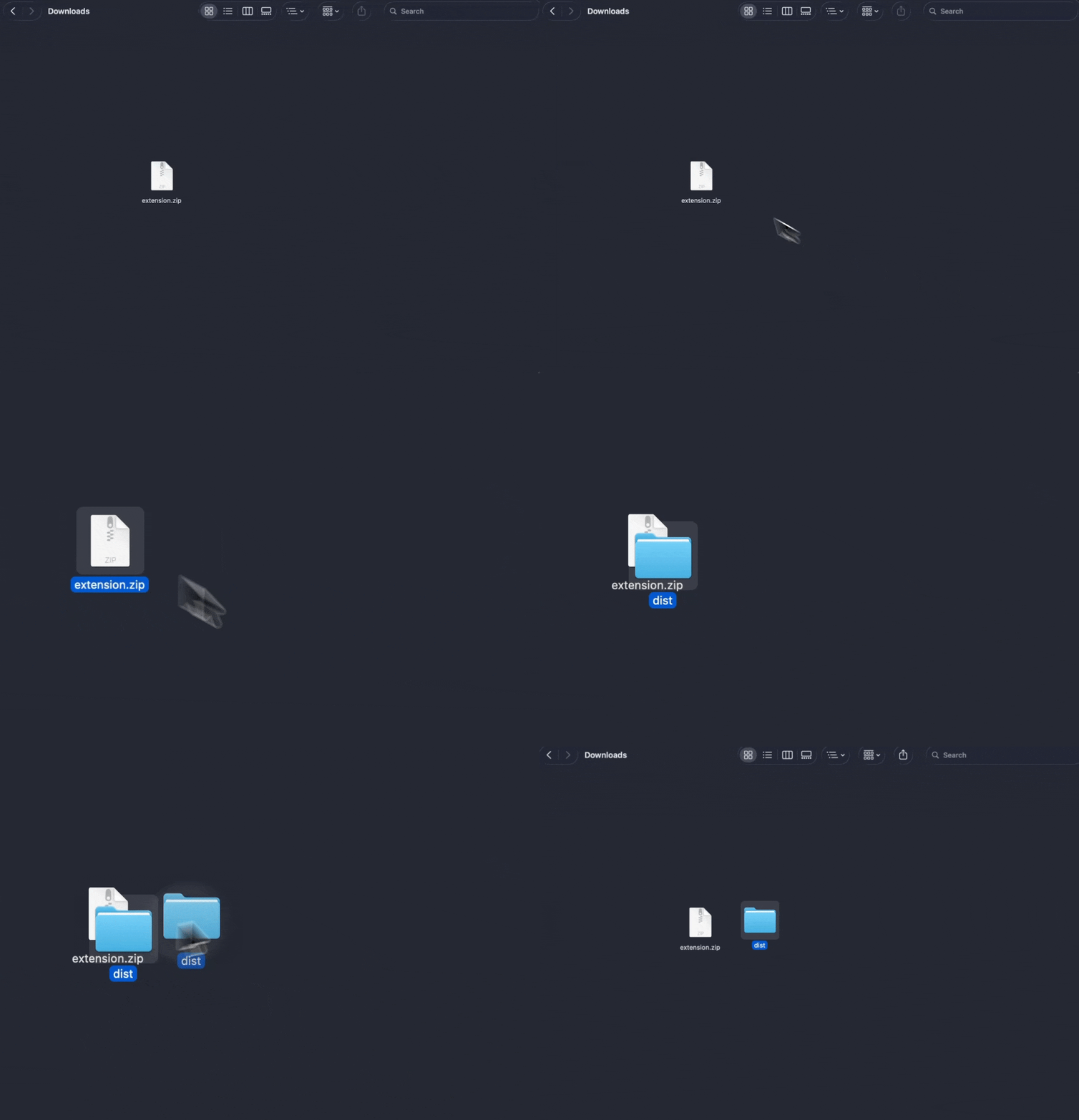
2. Unzip the file
Unzip the downloaded ZIP file and locate the folder called "dist" inside it.
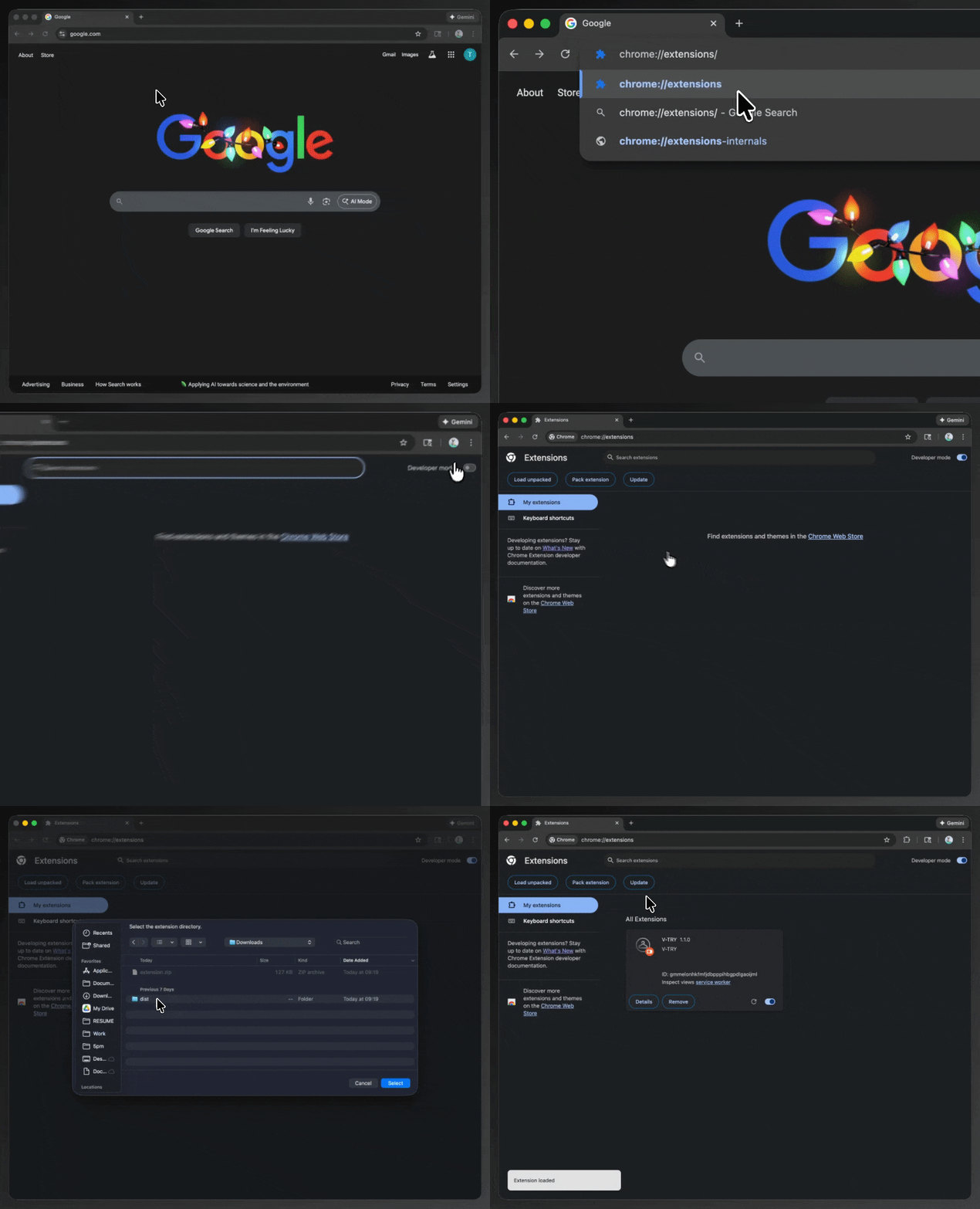
3. Load the extension
Open Chrome and go to chrome://extensions, then enable Developer mode in the top-right corner. Click Load unpacked, select the dist folder, and Chrome will install the extension immediately.
4. Create Your Profile
Open the extension and sign in to quickly set up your profile and keep your V-TRY experience synced and secure.
Image Coming Soon
5. Generate your Persona
If you didn't do it yet, add a clear photo of your face so V-TRY can create your personalized virtual model for accurate try-ons.
Image Coming Soon
6. Shop online and start generating
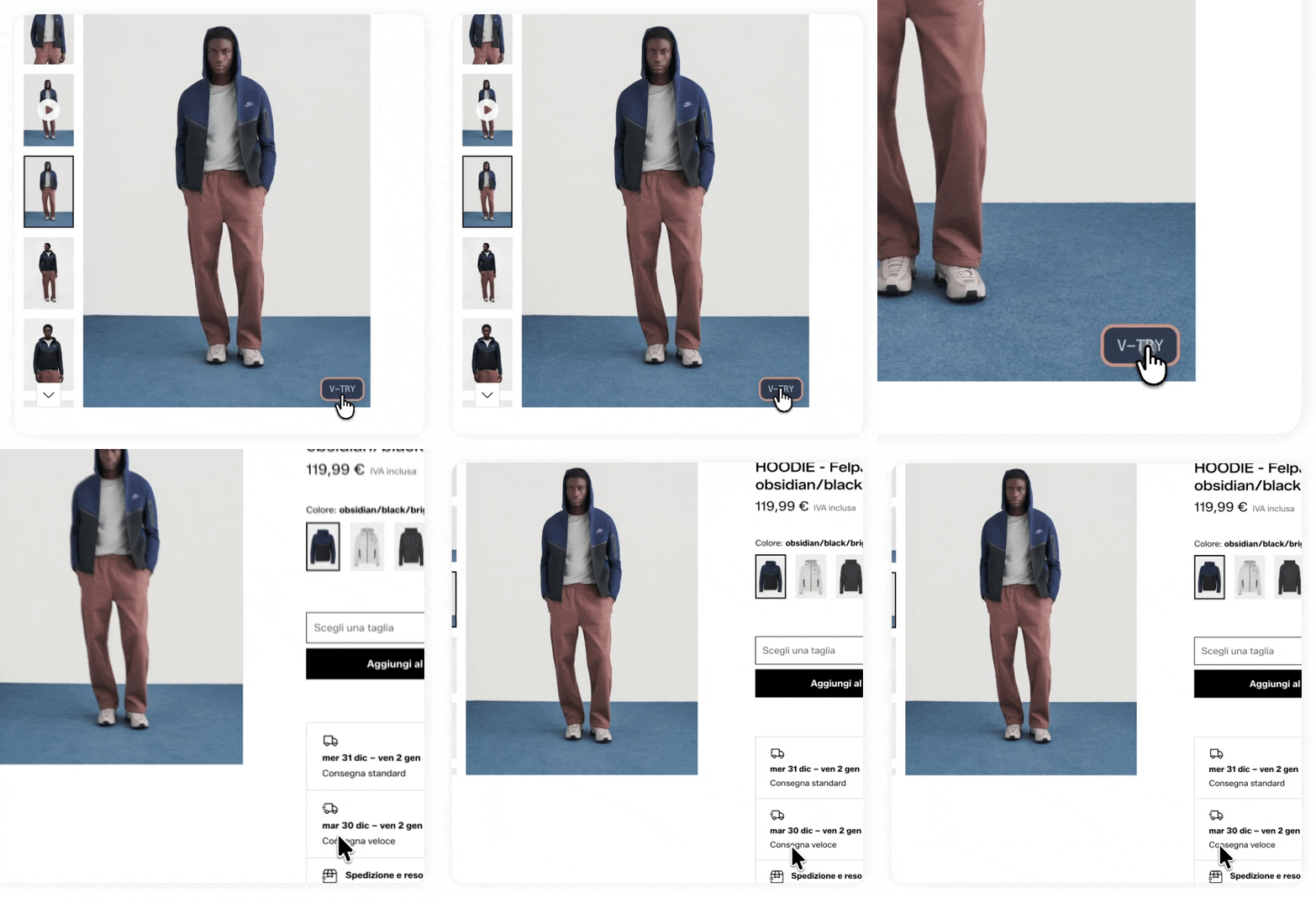
Browse your favorite stores and click the V-TRY banner on product images to preview outfits on yourself.